Your PLC logic.
Your team’s workspace.
Develop PLC logic, review changes, and keep the project history in your browser.
Read the sequence
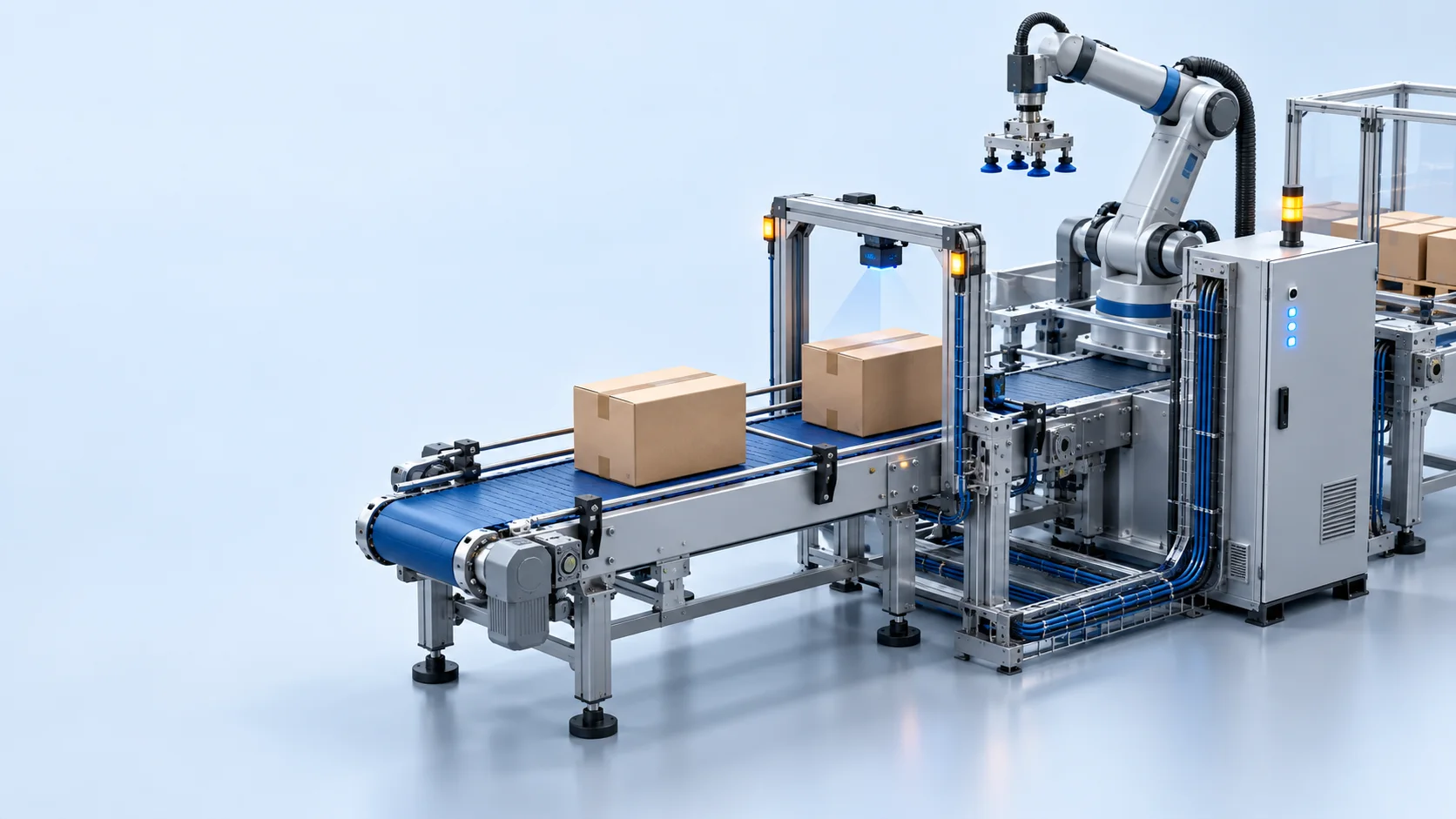
Actual product captures from an isolated local demo: a conveyor and palletizing cell, controller logic and workspace tools, a modeled jetbridge, and an authored elevator ride. Machine footage is recorded directly from the viewport; tool views are actual screenshots. These are local modeled systems. No physical controller is connected. The elevator ride is an authored animation, without passenger physics or floor selection.
The right view
for the next decision.
Work with familiar controller structure. Keep source, tags and engineering context within reach.
Room to focus.
Context to move faster.
Edit Ladder, Structured Text and native Function Block routines. Navigate tasks and programs, define scoped tags, and keep reusable AOIs beside the logic that calls them.
- Controller and program tag suggestions
- Find, replace, folding and outline in Structured Text
- Source-preserving Ladder editing
- // Stop filling at the high setpoint
- IF Tank201.Level > Tank201.HighSP THEN
- Pump201.Run := FALSE;
- ELSIF Tank201.Level < Tank201.LowSP
- AND NOT Pump201.Fault THEN
- Pump201.Run := TRUE;
- END_IF;
- // Keep the feedback in the same context
- Pump201.Ready := NOT Pump201.Fault;
Follow the scan.
Understand the sequence.
Run supported Ladder and Structured Text locally. Step through execution, watch tag values, and trace what happened back to the saved source.
- Run, pause, step, reset and local tag writes
- Source-bound traces and execution events
- Saved tests with recorded simulation evidence
Make the change.
Keep the reasoning.
Compare working changes, capture immutable revisions and review Agent proposals before they update a draft. Keep the decision attached to its source.
- Object-aware revision comparisons
- Reviewed proposals with saved-source checks
- Project documentation with save history
Add a restart delay
P01_Infeed / MainRoutine
One project.
A clearer path through it.
- 01
Bring your source
Start a blank controller or import L5X / L5K. Keep the original artifact alongside the engineering draft.
- 02
Build the logic
Work through tasks, programs, routines and scoped tags. Review changes in the context of the project.
- 03
Exercise the model
Run supported logic locally, connect modeled equipment and record engineering test results.
- 04
Carry it forward
Capture a revision, document the decisions and organize commissioning checks and evidence.
Clear capabilities.
Explicit boundaries.
Rungbase is an offline engineering workspace. Support is bounded by the implemented source formats and local execution profile.
- Controller source
- Complete L5X / L5K imports and supported partial L5X components. Original artifacts and unsupported content are retained.
- Authoring
- Ladder and Structured Text editors, native Function Block diagrams, tags, custom data types and native Ladder AOIs.
- Local execution
- A bounded Ladder and Structured Text interpreter with local tag memory and modeled Machine behavior. Function Block execution is not validated.
- Revisions & files
- Immutable revisions and change comparisons. Offline L5X file export has an explicit readiness check and lists unsupported content.
- Physical controllers
- Live connections, controller downloads and full vendor semantic or firmware validation are not available. Local simulation does not qualify a physical machine.
Have a specific source format or workflow in mind? Let’s discuss the details.